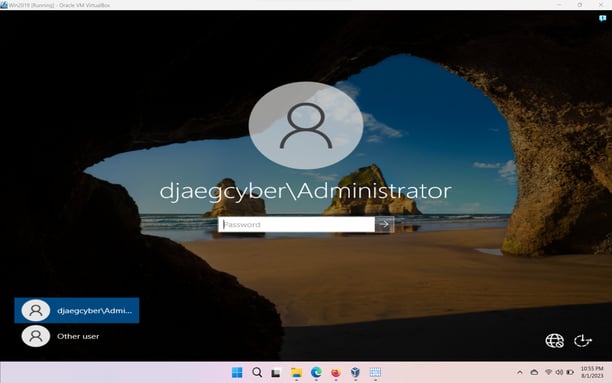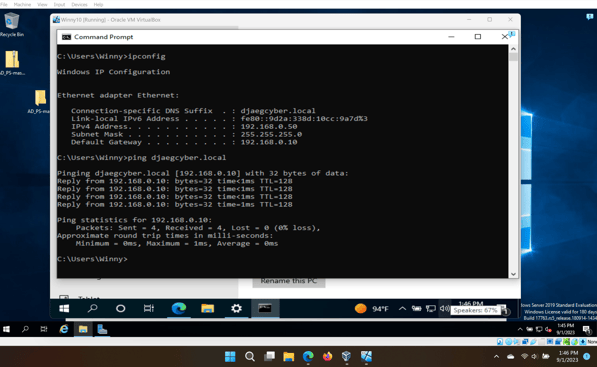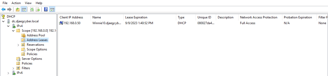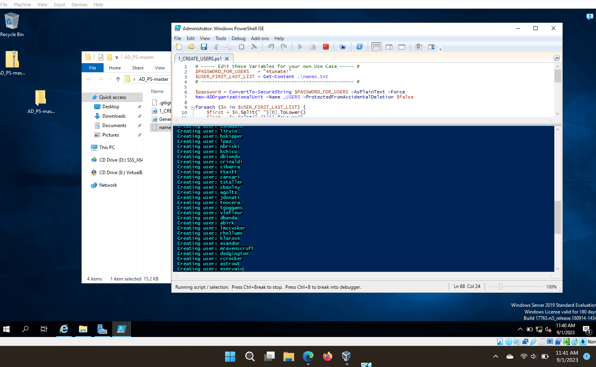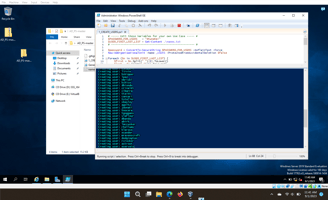
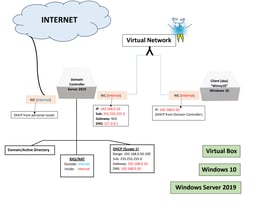
The progress continues in building out and configuring my virtual Windows Server 2019 network and domain! The server contains two network interfaces, one for external access and the other for internal. Using Active Directory, the server is successfully configured with features such as remote access, routing, network address translation, DHCP and DNS. As seen below, the Windows 10 virtual machine (Winny10) located inside the internal network, was able to successfully receive it's IP address from the domain controller's defined DHCP scope. Additionally, I was happy to leverage PowerShell scripting to automate the creation of approximately 1,000 user accounts within the domain. The next phase will be crafting different policies in Group Policy Management, followed by deployment to various groups and users.
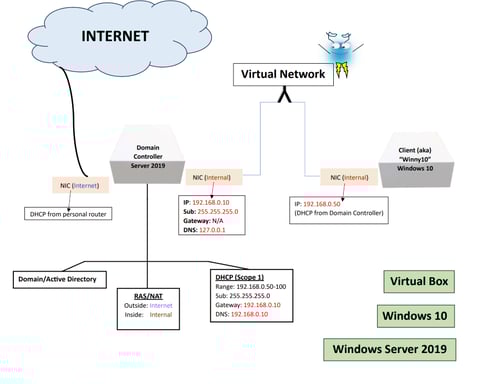
Windows Server 2019